THE HANDS-ON CHALLENGE
Play. Change. Play again.
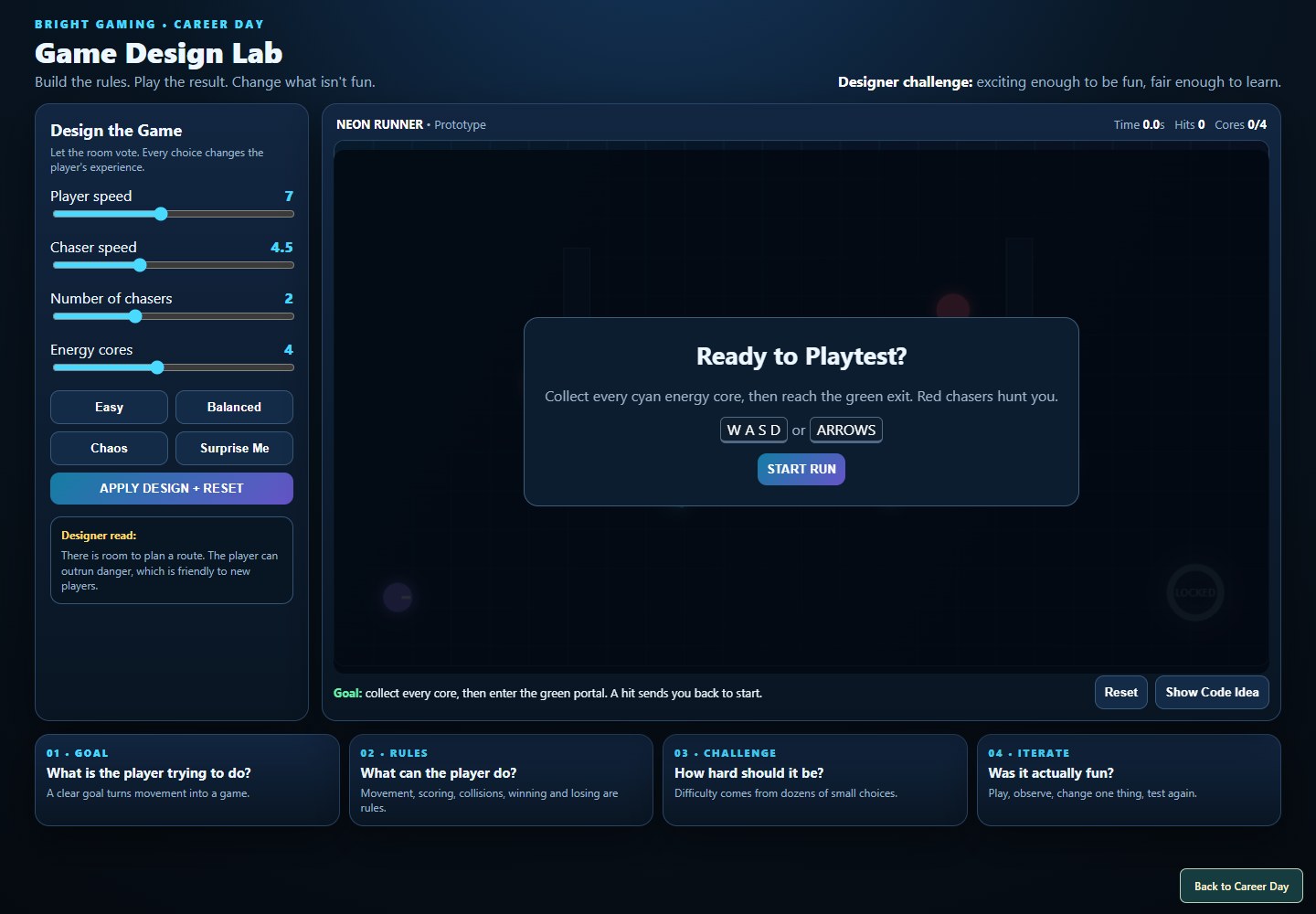
Return to the Design Lab from the presentation. Choose a design, try it, change one thing, and ask someone else what feels different.
Open Design LabA little robot. A lab that needs saving.
A whole school day of ideas to change what happens next.
Bright Gaming Career Day · October 2, 2026
Play in your browser. Keyboard or touch. No sign-in needed.
Each visiting group becomes a development team. Students propose an idea and explain how it should feel to play. Ronnie Bright and Bright Gaming turn those decisions into tested updates. The next team builds on what came before.
Not just a name in the credits. A new mechanic, a different goal, a character, a room, a sound. Come back to see what your team changed and where the next team took it.
What should the player be able to do? What would make the game more interesting?
Turn the idea into a real feature. Test the result, then improve the parts that do not work yet.
Save that version. The next team inherits your work, while your original contribution stays playable.
| Team / version | What changed | Departments | Play |
|---|---|---|---|
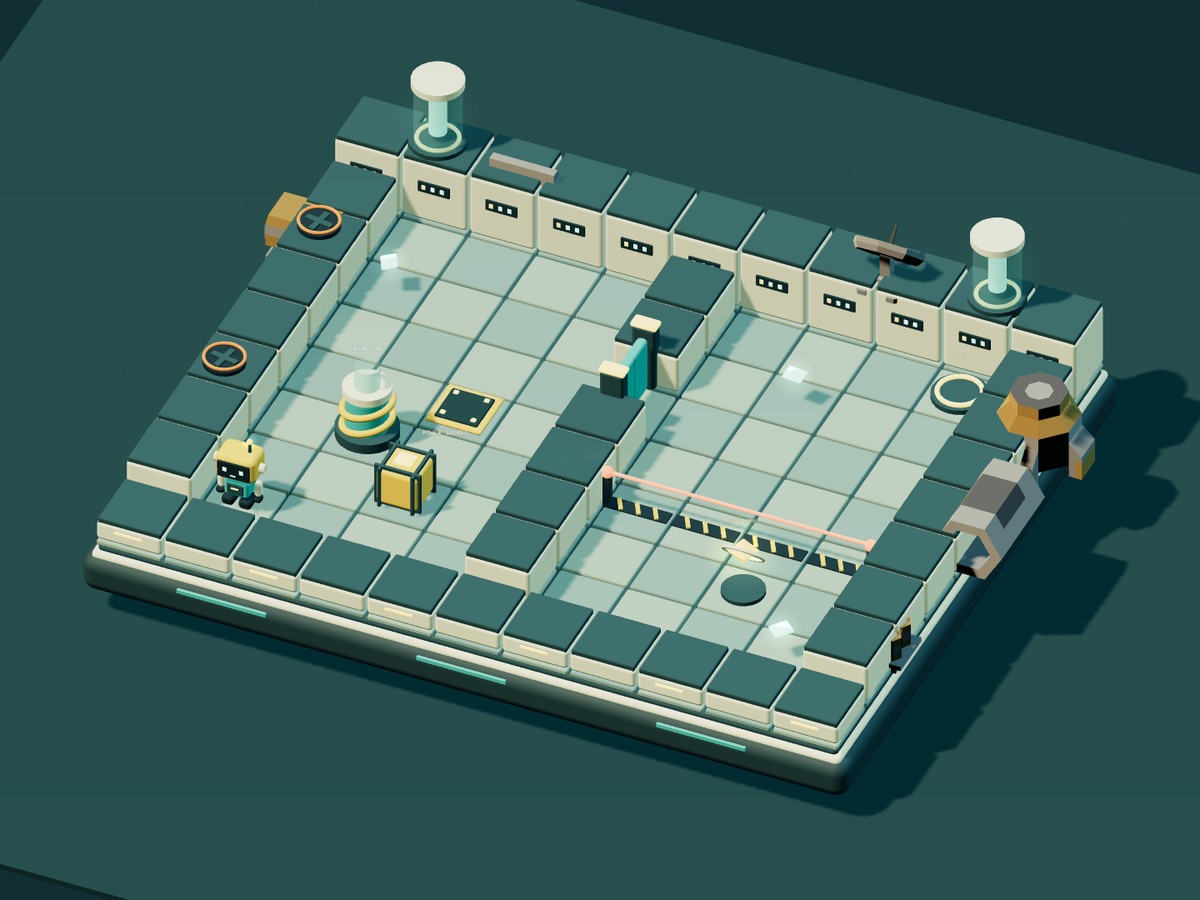
| The starting pointVersion 0 · Bright Gaming | A 3D robot laboratory: push a power crate, open the gate, recover the core, restore the reactor and reach the exit. | Design, art, programming, sound, testing | Play original |
| The first student update has not been published yet. This space grows as Dev Teams contribute. | |||
Updates appear here after they are built and tested, not just suggested. Each published team version is preserved. Team numbers are used instead of student names.
Latest playable version: the original starting point. Reload this page to check for new releases.
Soundtrack update: The latest game now plays Neon Workshop, generated with our local Mix Lab music model. Enter the lab to start audio, then use the music-volume slider. Listen to the track.
Let someone at home try the design challenge. Show them the finished-game showcase. Then explain how your team would change Glitch Crew.
Return to the Design Lab from the presentation. Choose a design, try it, change one thing, and ask someone else what feels different.
Open Design Lab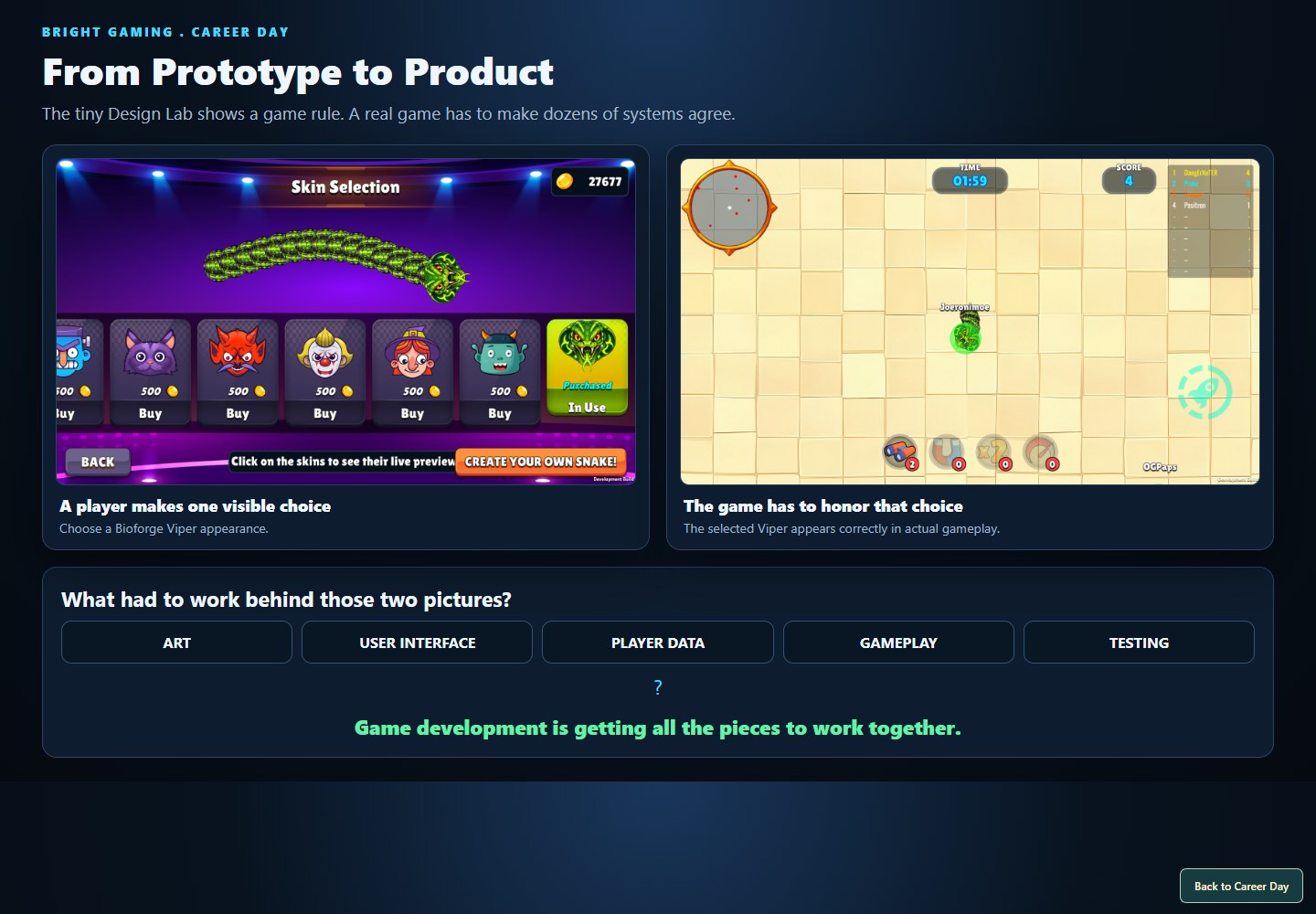
Explore the Bright Gaming showcase and Vipers screenshots. See the art, interfaces and systems that surround a game's central idea.
View the presentationThe lesson is bigger than games. Choose a goal, make the rules, build a challenge, give the player feedback, and improve it together.
Read the session recapYour first game does not need a huge world or a thousand features. Aim for something small enough to finish and clear enough for someone else to play.
On paper, draw one room, one character and one goal. Write what the player can do and what gets in the way.
Move a character. Open a door. Catch an object. Choose one tool below and follow its first lesson.
One person draws, one builds the rules, another tries to break them. Watch someone play without explaining every step.
Give it an ending and a restart button. Save a screenshot and a note about your contribution. Your portfolio starts with finished work.
You do not have to do every job yourself. A game needs people who enjoy different kinds of work. Try a role, learn from someone else's strengths, and give credit for their contribution.
DESIGNPROGRAMMINGART & ANIMATIONSOUND & MUSICWRITINGTESTINGPRODUCTIONSkills first. Small projects first. A career is something you build over time, not something one game has to deliver.
You do not need to wait for college to start making games. Hiring requirements differ by role and employer; a degree can help and some jobs require one. Keep learning, build a portfolio and look at the requirements for the work you hope to do.
It is possible, but it is not a sensible promise. A studio job, a freelance business and selling your own game are different paths. Employees are paid for their work under their employment agreement; an independent developer earns from what the business sells and may make little or lose money after expenses. Build skills because you enjoy creating, not because a hit is guaranteed.
Yes, as you get older: art, code, animation, sound and other useful pieces can become services. Build examples now. Paid work has legal and platform requirements. Fiverr permits ages 13–17 only through a parent- or guardian-owned, supervised account; under 13 is not allowed. Upwork requires 18 or your country's age of majority, whichever is older. Platform permission is not a substitute for local work rules. Fiverr's guidance · Upwork's requirements.
A small finished game, a model, an animation, a working mechanic or a level. Explain what you made, which tools you used, what you learned and who helped. A portfolio can begin as a folder on your computer; a public account is not required.
No. Try making a tiny game with someone whose strengths are different from yours. Decide who owns each task, share progress, playtest together and credit everyone honestly. The goal is a better game, not proving that you needed no help.
Copyright protects original expression, such as code, artwork and music, not the idea itself. Keep records of your work, use assets you have permission to use and agree on credit and ownership with collaborators. Ask a parent or qualified professional before entering commercial agreements. Learn the basics from the U.S. Copyright Office.
Start with the original game, then open your child's team version. Ask: What did your group suggest? Why? What would you improve next?
Encourage a small personal learning project and a finished result. They do not need an expensive setup or a commercial project to begin exploring their ideas.
Keep the project close.playbrightgaming.com/career-day/
Return here for the latest published game.
For questions about today's session or where to start learning, a parent or guardian can message Bright Gaming on Facebook. Mention Bright Gaming Career Day so we know what brought you here.
Contact Bright Gaming on FacebookDiscord is for eligible users aged at least 13; some regions require an older minimum age. Younger students should have a parent contact us instead. Parents, please review community participation and privacy together. Discord age requirements.
This hub does not ask for student names, photos, email addresses or accounts. Team contributions are recorded by group number. Questions about learning do not require joining a public community.