
Labs

Bright Gaming Labs is where player tools live. FrameSentry helps you check your PC, optimize supported games, and prove whether network problems are local or farther down the route.

FrameSentry dashboard screenshot

Choose Your FrameSentry

Start with a read-only ready check, step up to game optimization, or unlock the full PC and network toolkit.

FrameSentry Free preview
Measure first

FrameSentry Free

Run a clean ready check, understand what is using resources, and compare manual changes without touching game settings.

  • PC and network readiness score
  • Process Intelligence review
  • Memory, latency, jitter, and packet-loss snapshot
  • Manual before-and-after comparison
Read The Guide
FrameSentry Pro preview
Optimize game sessions

FrameSentry Pro

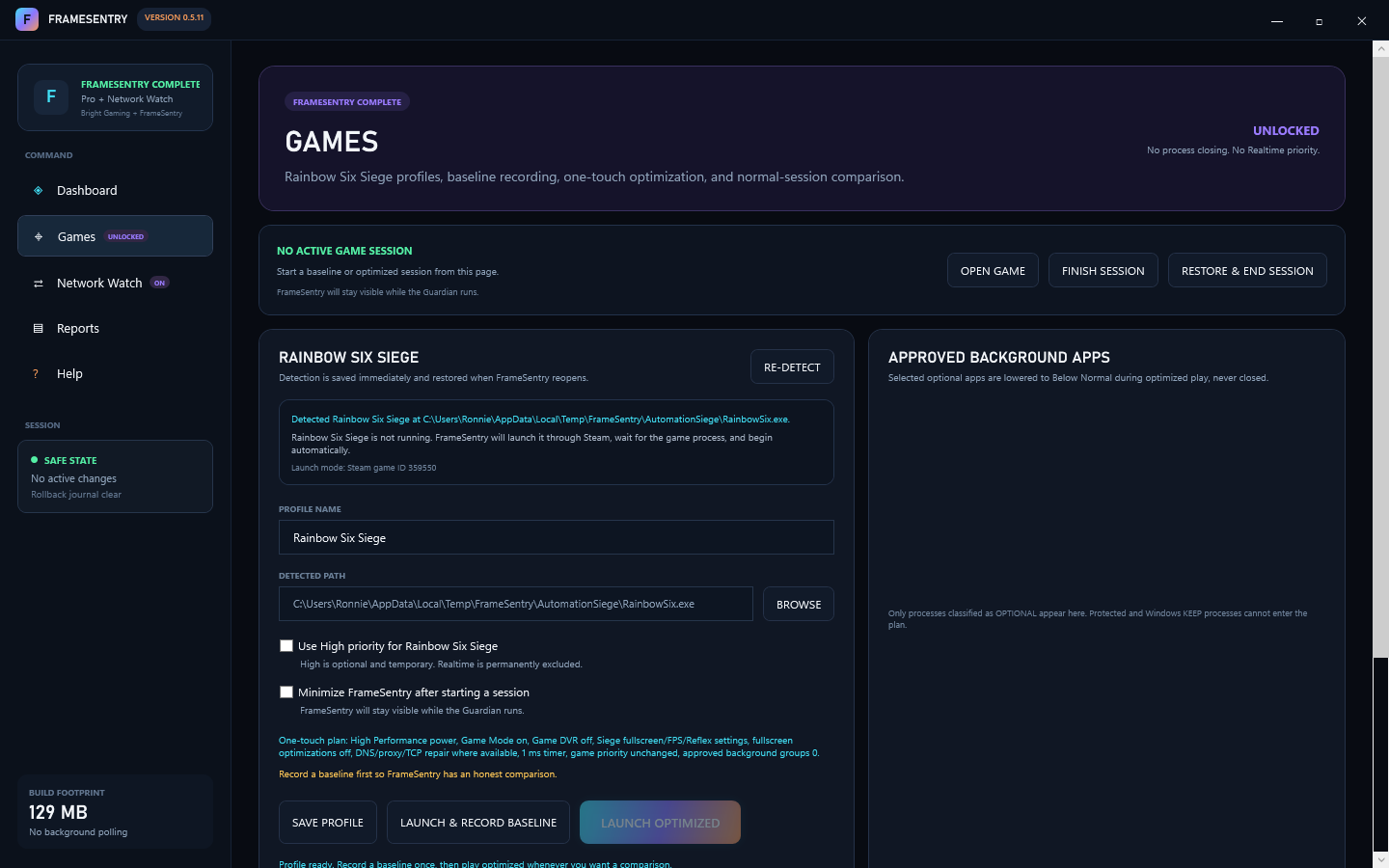
Adds supported-game workflows for Rainbow Six Siege, baseline recording, optimized play, and reversible local performance changes.

  • Everything in Free
  • Siege detection and session setup
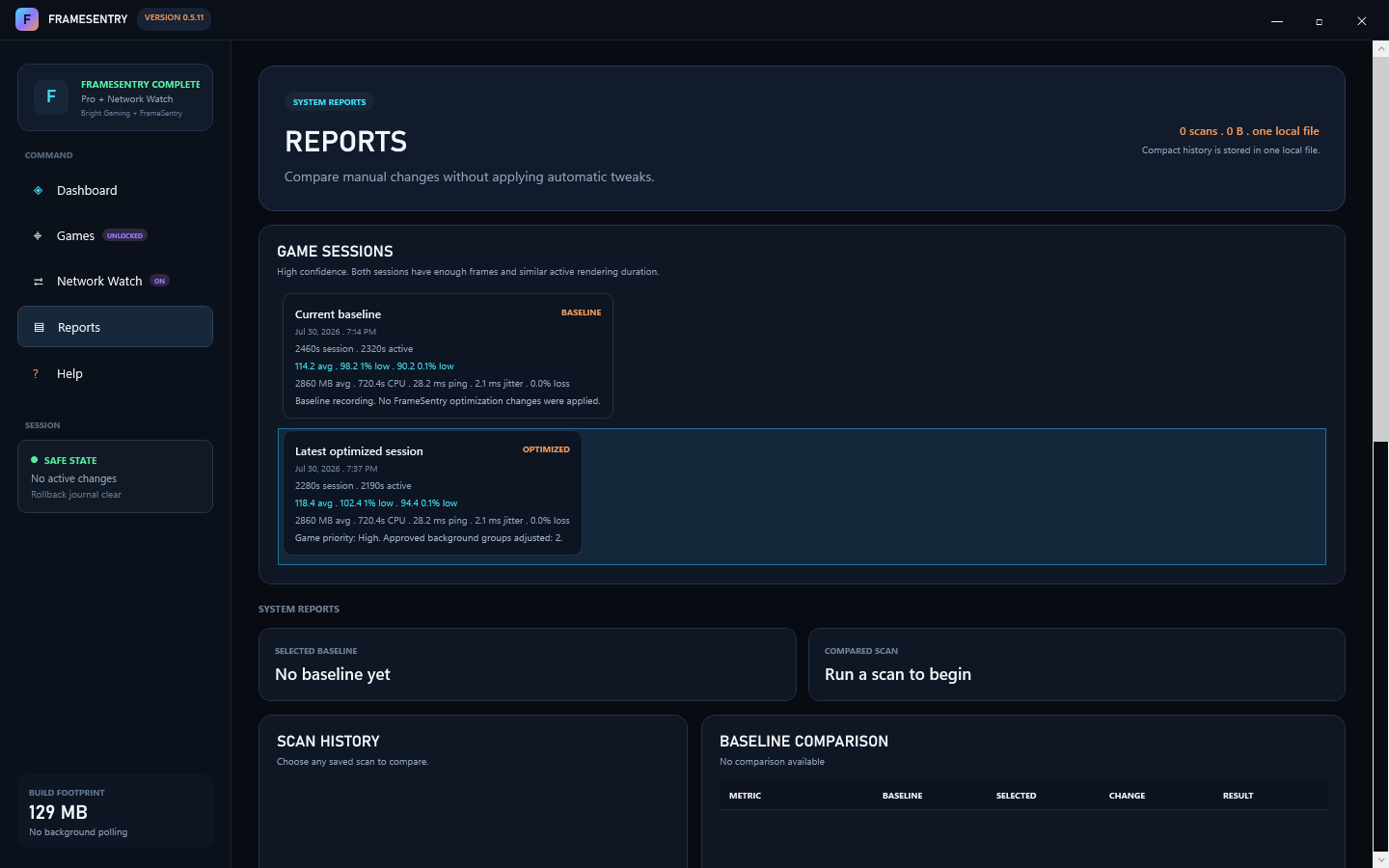
  • Baseline vs optimized reports
  • Reversible game and Windows tuning
Compare Packages
FrameSentry Complete preview
PC plus network toolkit

FrameSentry Complete

Adds Network Watch, local-vs-route evidence, and the full Complete optimizer plan for players who need proof, not guesses.

  • Everything in Pro
  • Network Watch during matches
  • Gateway, jitter, loss, and route evidence
  • Safe local network repair actions
Open Complete Guide

Package Comparison

Each tier keeps the same safety rule: measure first, change only what helps, and restore session changes when play ends.

FeatureFreeProComplete
Ready Check score and score reasons Included Included Included
Process Intelligence and optional app review Included Included Included
Manual before-and-after comparison Included Included Included
Rainbow Six Siege profile setup Not included Included Included
Baseline and optimized game sessions Not included Included Included
Reversible Siege and Windows optimizer plan Not included Included Included
Reports with baseline-vs-optimized comparison Basic Included Included
Network Pulse snapshot Included Included Included
Network Watch during play Not included Not included Included
Local-vs-route network evidence Not included Not included Included
Safe local network repair actions Not included Limited Included
Ready Check

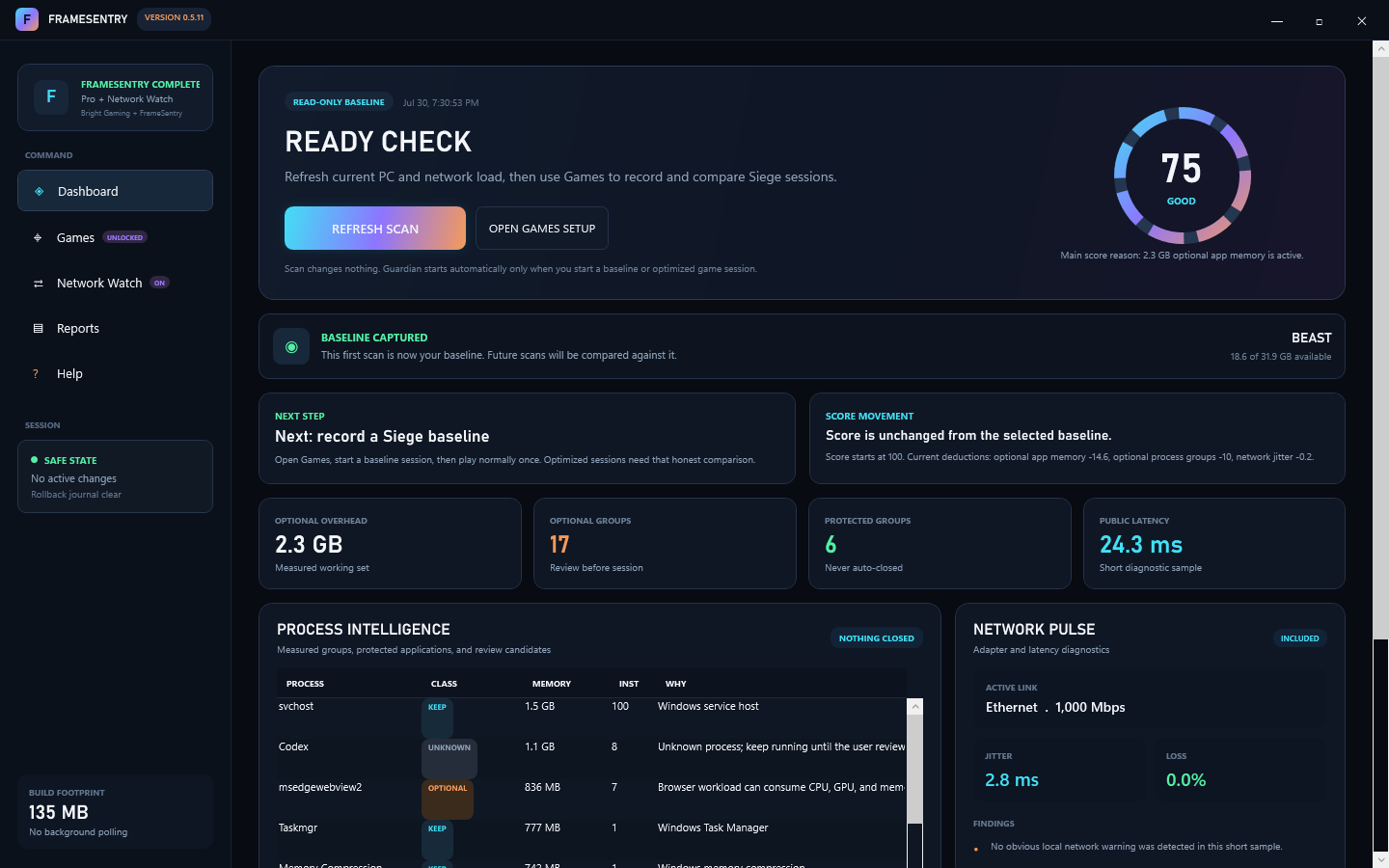
See current PC load, optional app memory, latency, jitter, packet loss, and the main score reason.

Game Optimization

Record a normal Siege baseline, run optimized play, then compare the saved report.

Network Watch

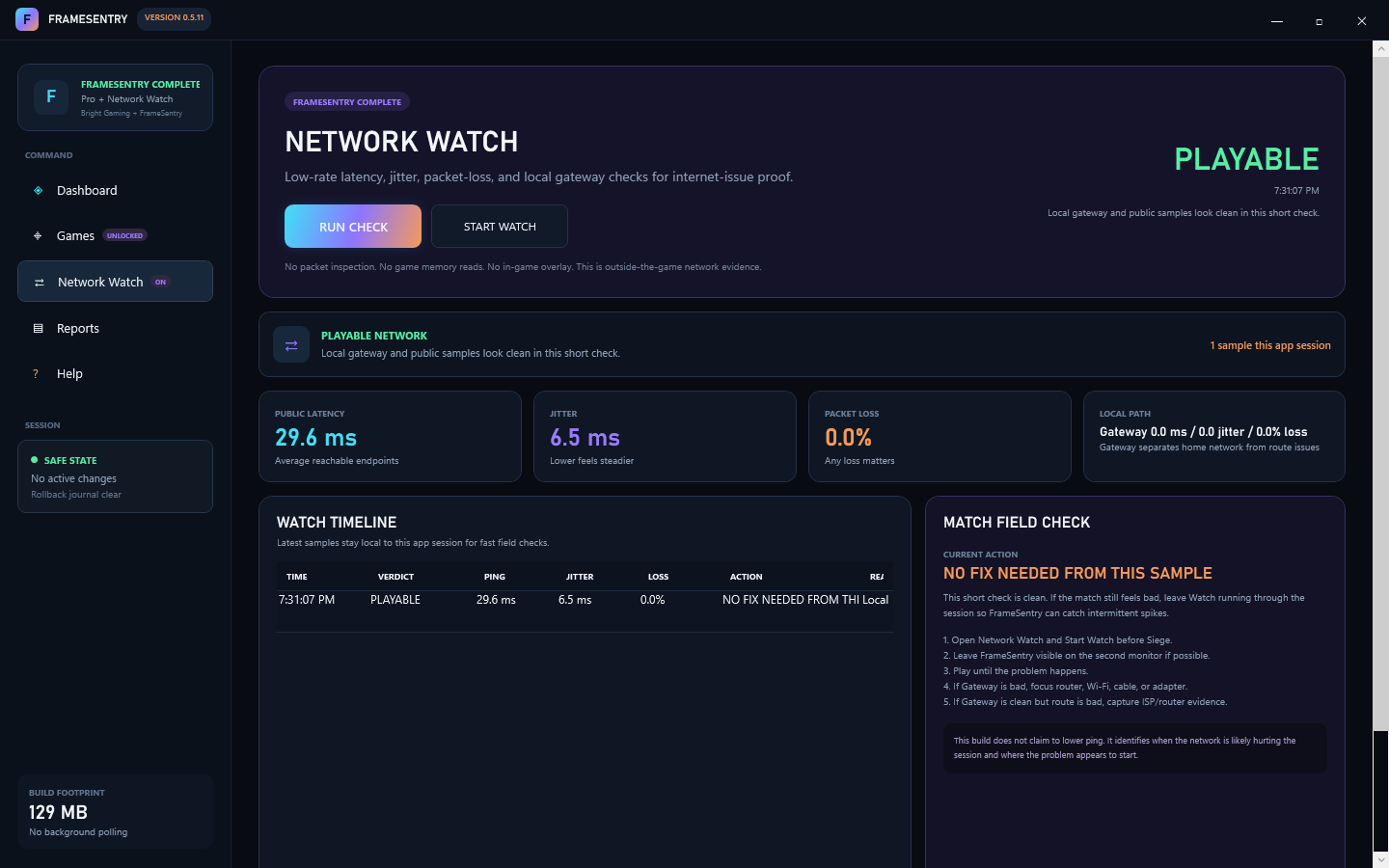
Keep gateway, jitter, loss, and public latency visible while a match is happening.

Safe Restore

FrameSentry journals optimizer changes and restores them after the game session ends.

See FrameSentry In Action

The same workflow works for new players and experienced players: check readiness, play a fair baseline, run optimized, then compare.

FrameSentry ready check dashboard

Ready Check

Start with current PC and network state before you queue.

FrameSentry Network Watch

Network Watch

Keep evidence visible during a match when lag appears.

FrameSentry session report

Reports

Compare baseline and optimized sessions without guessing.